Onyx: Split-Card Payment Animation

A two-panel checkout for React that bursts into a cinematic success sequence: the panels slide away, two card halves fly in and fuse, particles explode and a Lottie tick plays.
Try it live
The real demo, running in a sandbox. Switch the screen size to see how it adapts.
About this item
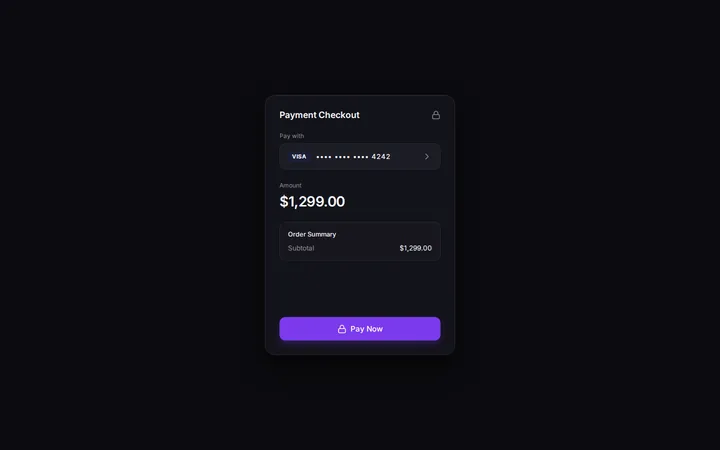
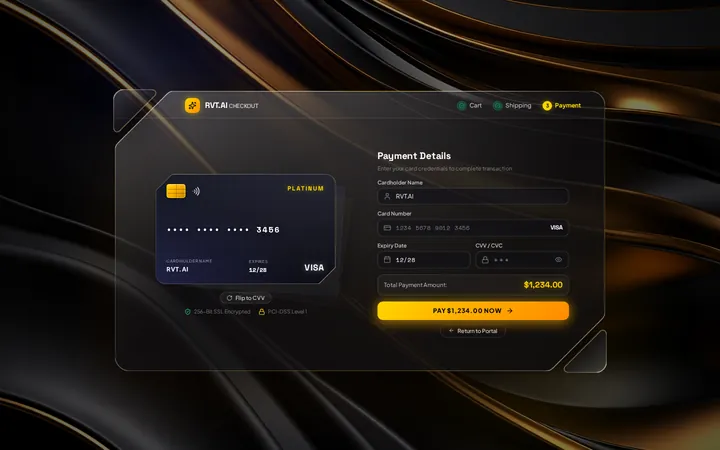
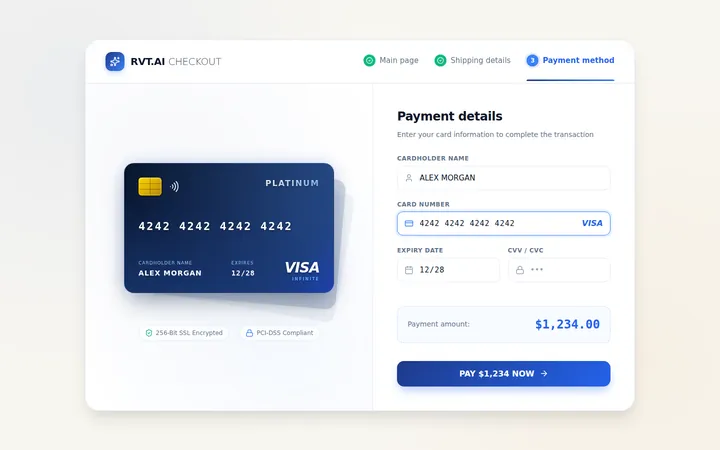
Most checkouts end with a plain "Thank you". Onyx ends with a show: after the shopper fills in a friendly two-column form, both panels slide off-screen, a loader spins, then two halves of a personalised virtual card fly in from opposite corners on springs, lock together and release a burst of particles behind a looping Lottie success animation.
A success state people remember
Framer Motion springs drive the two card halves from off-screen into a perfect join; on landing, 20 randomised particles shoot outward and a Lottie success animation plays over the card, which carries the customer's own name, number and expiry.
A friendly, guided form
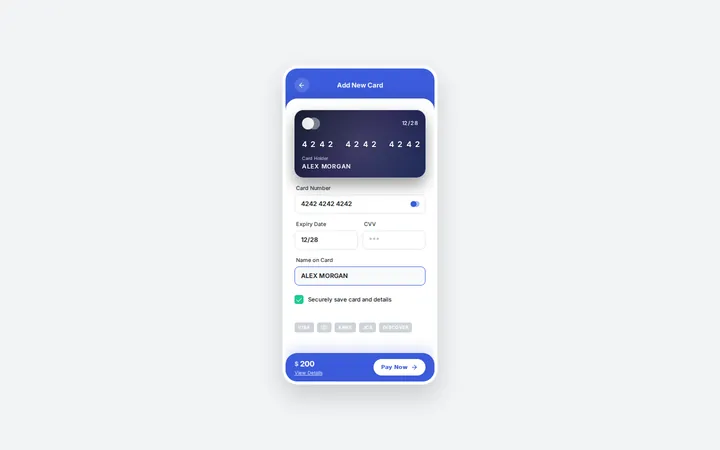
An animated wallet illustration, numbered guidance, accepted-card badges and a support link sit beside a tidy form for name, card number, CVV, expiry and invoice email, with a looping card-swipe animation next to the Continue button.
Features
- ✓Two-column checkout: guidance panel and payment form
- ✓Three Lottie animations (wallet, card swipe, payment success) via lottie-web
- ✓Panels slide out left and right on submit
- ✓Processing loader state
- ✓Two card halves that fly in and fuse with spring physics
- ✓Particle burst on landing (20 randomised particles)
- ✓Virtual card personalised with the entered name, number, expiry and CVV
- ✓Digits-only card number, CVV and MM/YY expiry formatting
- ✓Accepted-cards badges, privacy and support links
- ✓Plain CSS, no UI framework
What's included
Full JavaScript source code,package.jsonwith locked dependencies, Vite config, RVT.ai README with setup and customisation guide,LICENSEandTHIRD-PARTY-NOTICES.md. Nonode_modules: runnpm installonce.
Requirements
Node.js 20.19+ and npm 10+ to develop and build. The production build is static HTML, CSS and JavaScript that runs on any static host. No backend, API keys or paid services required.
Perfect for
- Premium e-commerce and ticketing checkouts
- Card-issuing and neobank onboarding
- Donation and crowdfunding success screens
- Motion-design portfolio pieces
From download to production
- Download Onyx: Split-Card Payment Animation from your account and unzip it.
- Run
npm install, thennpm run devto open it locally. - Swap in your brand colours, copy and data (see the README customisation guide).
- Run
npm run buildand deploy thedist/folder to any static host.
Support and updates
Includes free updates and six months of RVT.ai support. Ask pre-purchase questions in the product Q&A, or open a ticket at https://rvt.ai/support with your order number.
Choose the license for your project
A Regular license covers a single end product that is not sold to end users. Choose Extended for a single end product that is sold to end users, including SaaS products and paid applications. Review the full license terms before checkout.
Features
- Two-column checkout: guidance panel and payment form
- Three Lottie animations (wallet, card swipe, payment success) via lottie-web
- Panels slide out left and right on submit
- Processing loader state
- Two card halves that fly in and fuse with spring physics
- Particle burst on landing (20 randomised particles)
- Virtual card personalised with the entered name, number, expiry and CVV
- Digits-only card number, CVV and MM/YY expiry formatting
- Accepted-cards badges, privacy and support links
- Plain CSS, no UI framework
Files included
- Full source code (React + Vite)
- README.md
- LICENSE (RVT.ai)
- THIRD-PARTY-NOTICES.md
- package.json + package-lock.json
Version 1.0.0 and changelog
Version 1.0.0
Initial RVT.ai release.