Bloom: Mobile & Desktop Login Screens

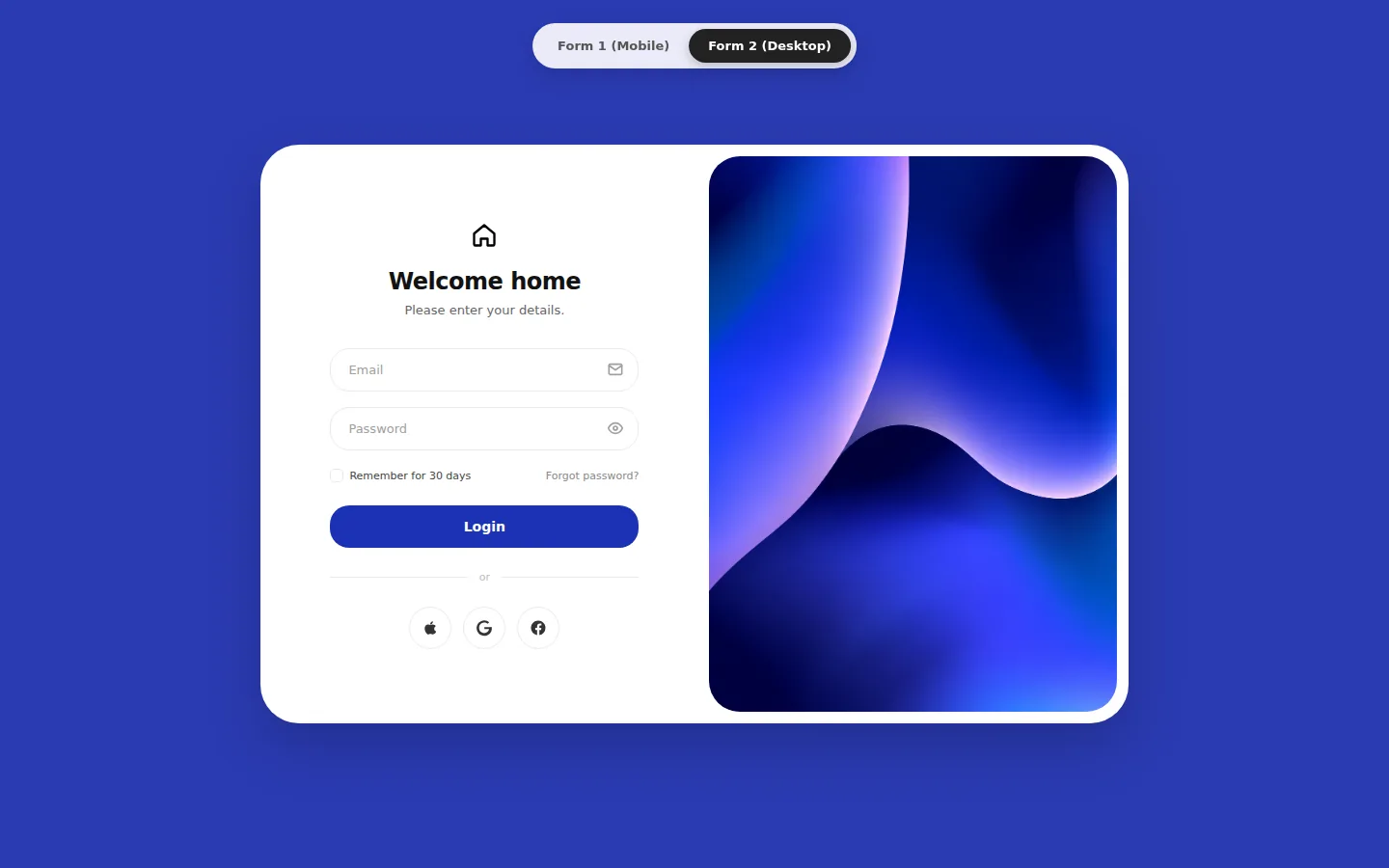
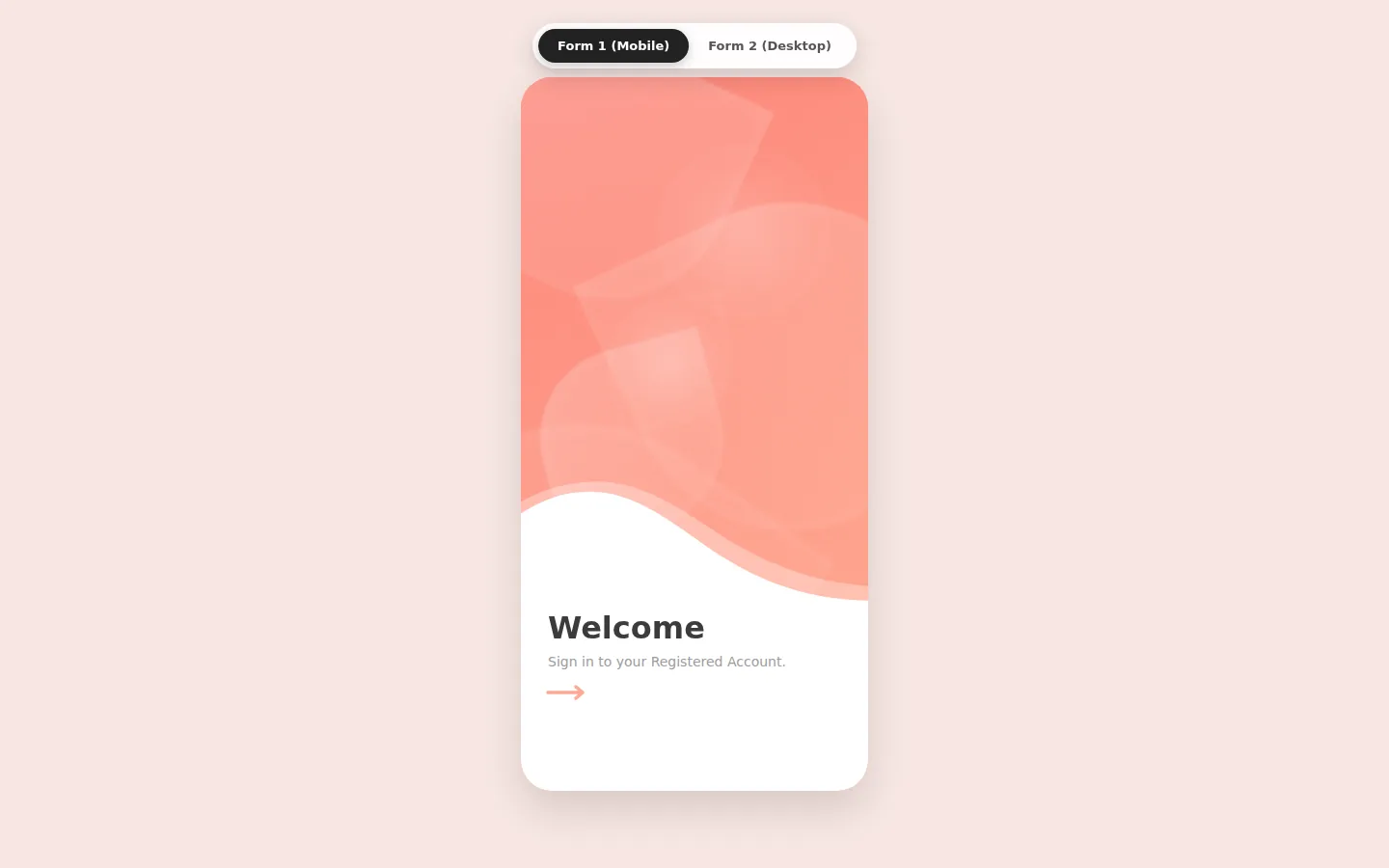
Two soft, modern React login screens: a mobile welcome screen with petal art and a wave that reveals the form, and a desktop split card with abstract artwork and social sign-in.
Light and dark
Try it live
The real demo, running in a sandbox. Switch the screen size to see how it adapts.
About this item
Bloom gives you two calm, contemporary sign-in designs in one React project. The mobile screen opens on a pastel gradient with floating petal shapes and a curved white wave; tap the arrow and the wave rises to reveal email and password fields. The desktop screen is a rounded split card: a tidy form on the left and flowing abstract artwork on the right.
Mobile: a welcome that unfolds
Layered SVG wave curves, CSS petal art and a single arrow tap that transitions from "Welcome" to the "Sign In" form.
Desktop: a split card that converts
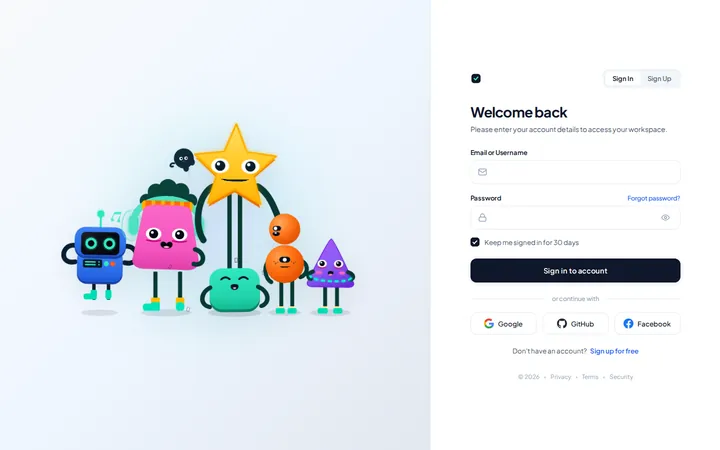
Email and password with icons, "remember for 30 days", forgot-password, a bold login button and Apple, Google and Facebook icon buttons beside a full-height artwork panel.
Features
- ✓Two login designs with a built-in switcher
- ✓Mobile welcome screen with petal shapes and layered SVG wave
- ✓Arrow tap reveals the sign-in form
- ✓Desktop split card with artwork panel
- ✓Remember-me checkbox and forgot-password links
- ✓Apple, Google and Facebook icon buttons
- ✓Zero UI dependencies: React + plain CSS
- ✓Responsive layouts
What's included
Full JavaScript source code,package.jsonwith locked dependencies, Vite config, RVT.ai README with setup and customisation guide,LICENSEandTHIRD-PARTY-NOTICES.md. Nonode_modules: runnpm installonce.
Requirements
Node.js 20.19+ and npm 10+ to develop and build. The production build is static HTML, CSS and JavaScript that runs on any static host. No backend, API keys or paid services required.
Perfect for
- Mobile app and PWA log-ins
- Property, home and lifestyle brands
- Wellness, beauty and boutique services
- SaaS dashboards and client portals
From download to production
- Download Bloom: Mobile & Desktop Login Screens from your account and unzip it.
- Run
npm install, thennpm run devto open it locally. - Swap in your brand colours, copy and data (see the README customisation guide).
- Run
npm run buildand deploy thedist/folder to any static host.
Support and updates
Includes free updates and six months of RVT.ai support. Ask pre-purchase questions in the product Q&A, or open a ticket at https://rvt.ai/support with your order number.
Choose the license for your project
A Regular license covers a single end product that is not sold to end users. Choose Extended for a single end product that is sold to end users, including SaaS products and paid applications. Review the full license terms before checkout.
Features
- Two login designs with a built-in switcher
- Mobile welcome screen with petal shapes and layered SVG wave
- Arrow tap reveals the sign-in form
- Desktop split card with artwork panel
- Remember-me checkbox and forgot-password links
- Apple, Google and Facebook icon buttons
- Zero UI dependencies: React + plain CSS
- Responsive layouts
Files included
- Full source code (React + Vite)
- README.md
- LICENSE (RVT.ai)
- THIRD-PARTY-NOTICES.md
- package.json + package-lock.json
Version 1.0.0 and changelog
Version 1.0.0
Initial RVT.ai release.